
MIGRATION · POLYSCOPE 5 → POLYSCOPE X
Move PolyScope 5 programs to PolyScope X – without rebuilding everything by hand
Universal Robots currently offers no direct migration from PolyScope 5 to PolyScope X – programs and settings would have to be redefined. URP Import X closes that gap: the .urp file is read on the robot together with its .installation and .variables and rebuilt as native PolyScope X program nodes. Anything without a counterpart is flagged and listed in the migration report.
“There is no direct software migration from Polyscope 5 to Polyscope X currently. All settings and programs will need to be redefined.”
Source: Universal Robots: Upgrading From a Polyscope 5 Controller to a Polyscope X Controller
HOW IT WORKS
From a .urp program to a PolyScope X program in five steps
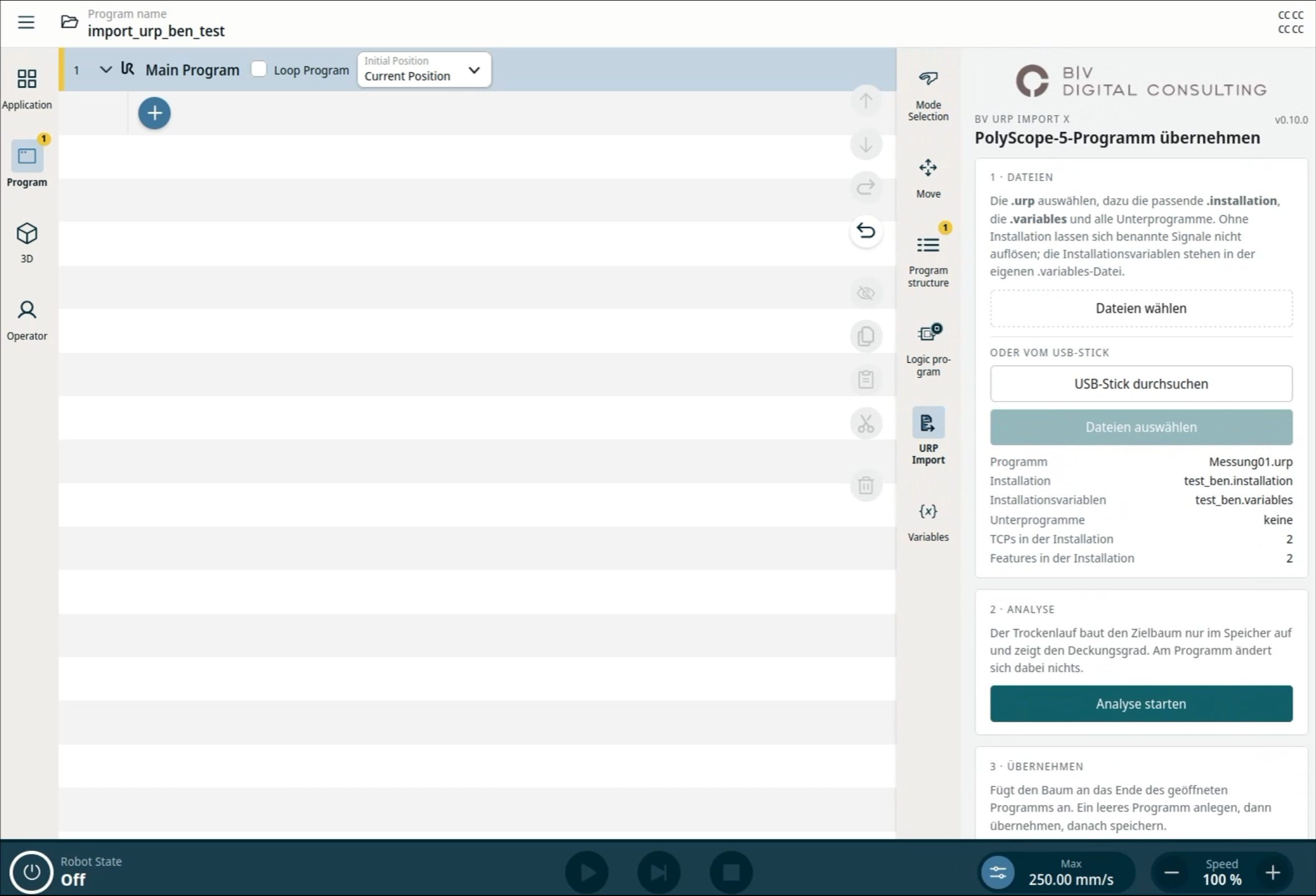
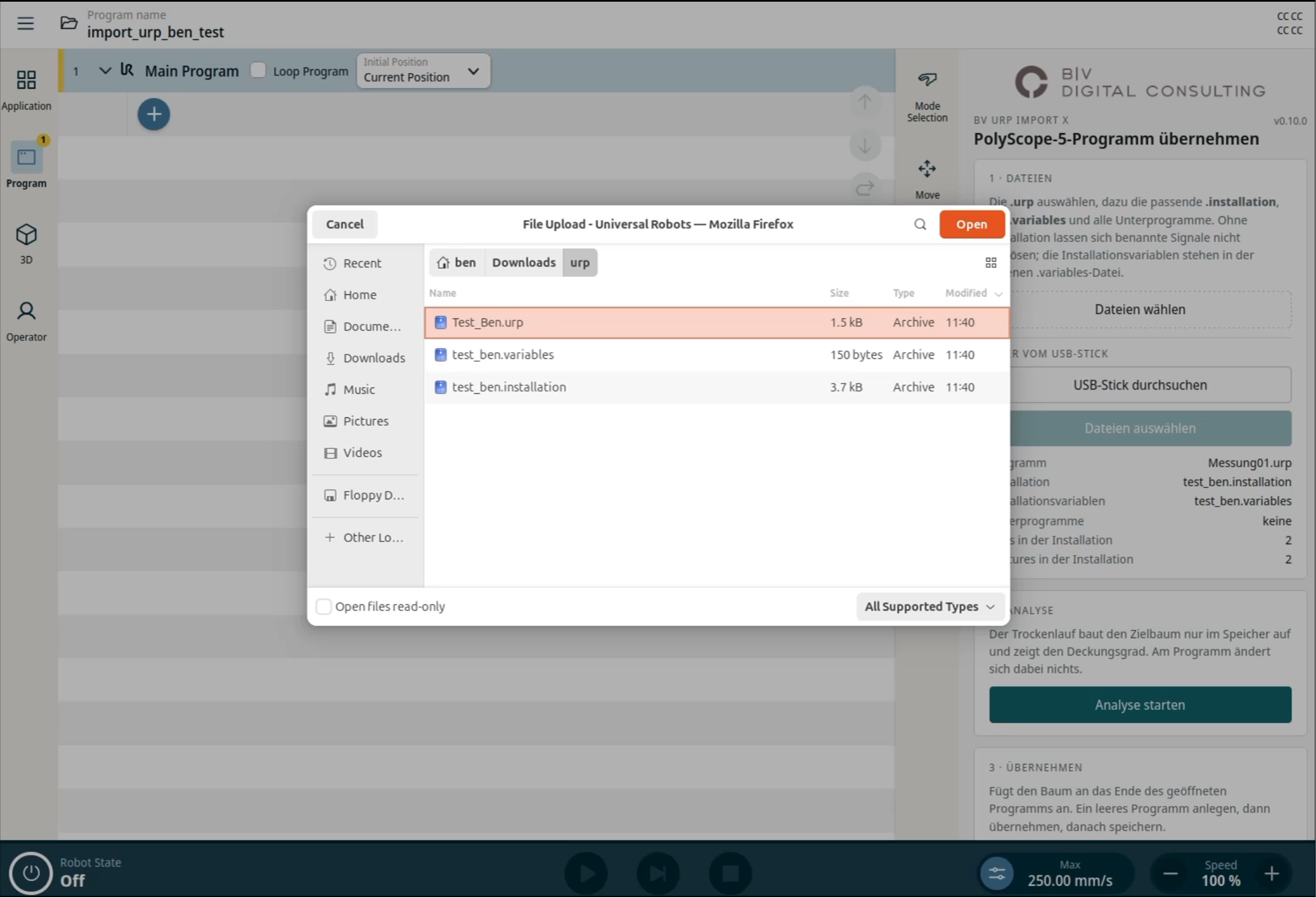
- Select files on the robot
Pick the program (.urp), installation and variables straight from a USB stick on the robot – gzip-compressed or plain XML. Subprograms from additional .urp files are included.
- Pre-check
Missing TCPs, frames, signals and variables are shown before anything is inserted.
- Dry run
The target tree is built in memory and the coverage is shown – without changing the program.
- Import into its own folder
The program is created as native nodes in a dedicated folder so imports never mix. Built waypoints are verified against the source file.
- Review the migration report
Every source node and its result is listed in the report, which is also written to the USB stick next to the source program. Imports can be undone node by node.
IN DETAIL
What URP Import X transfers
Moves & positions
MoveJ, MoveL, MoveP and MoveC as native move nodes; positions computed from joint angles when the source stores no pose; waypoint names are kept, relative waypoints are transferred with the offset shown.
Program logic
If, Else If, Else, Loop, Folder and Threads. Switch/Case becomes an If chain because PolyScope X switches on variables.
Signals & I/O
Digital, analog and configurable inputs and outputs including the tool connector. Signal names are resolved from the installation, e.g. “GripperOpen” to “DO 2”.
Installation & variables
TCPs, payload, features and signal names from the .installation; program variables and installation variables as application variables – with their values.
Operator input & special cases
Operator inputs, Safe Home moves, directional moves with stop conditions. URScript lines are checked and simple errors repaired.
Third-party URCaps
Unknown constructs are catalogued. Custom conversion rules for other URCaps’ nodes can be stored, exported as JSON and reused on other robots.
FROM THE FIELD TEST
URP Import X on a UR17g-1300
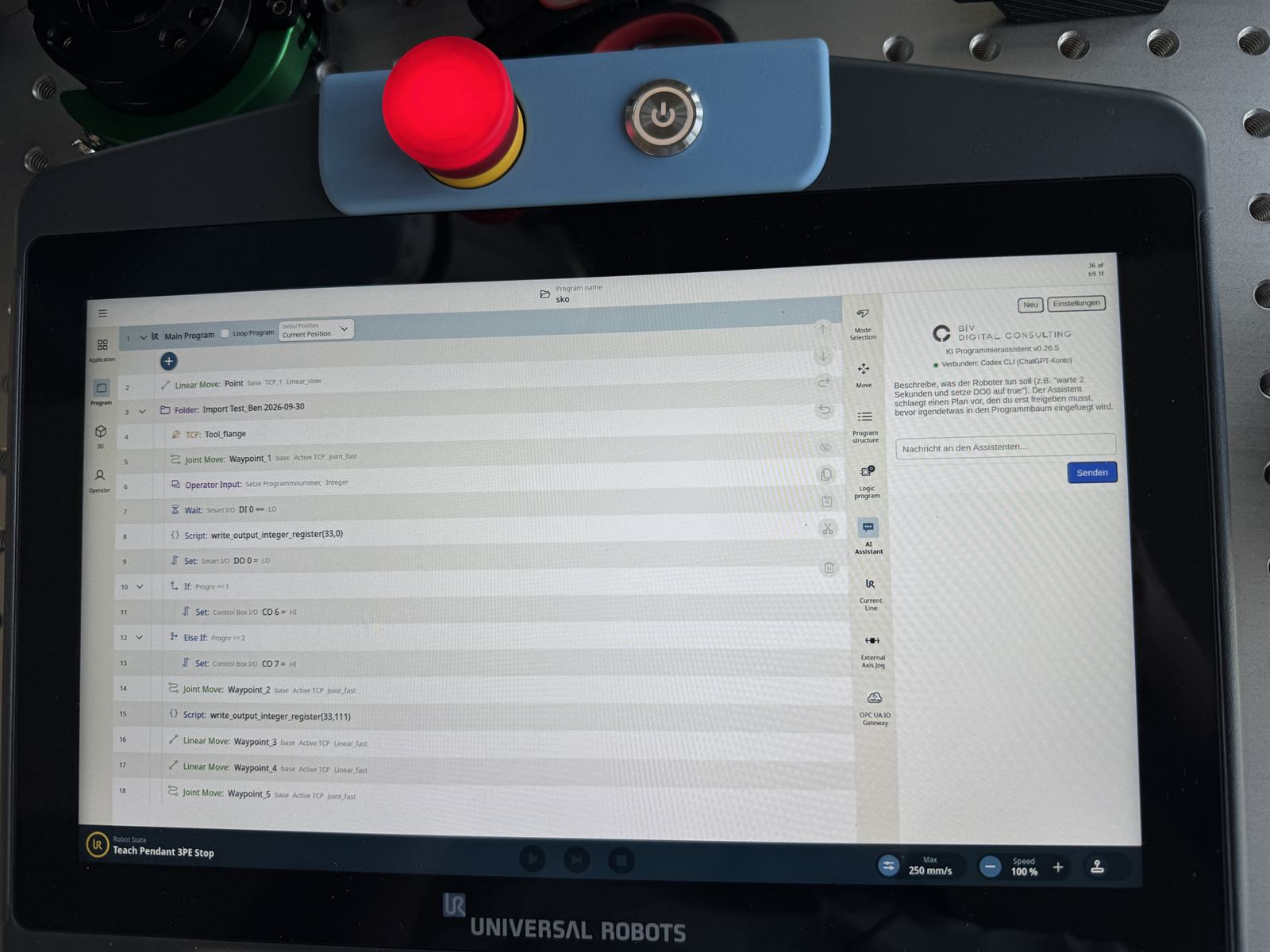
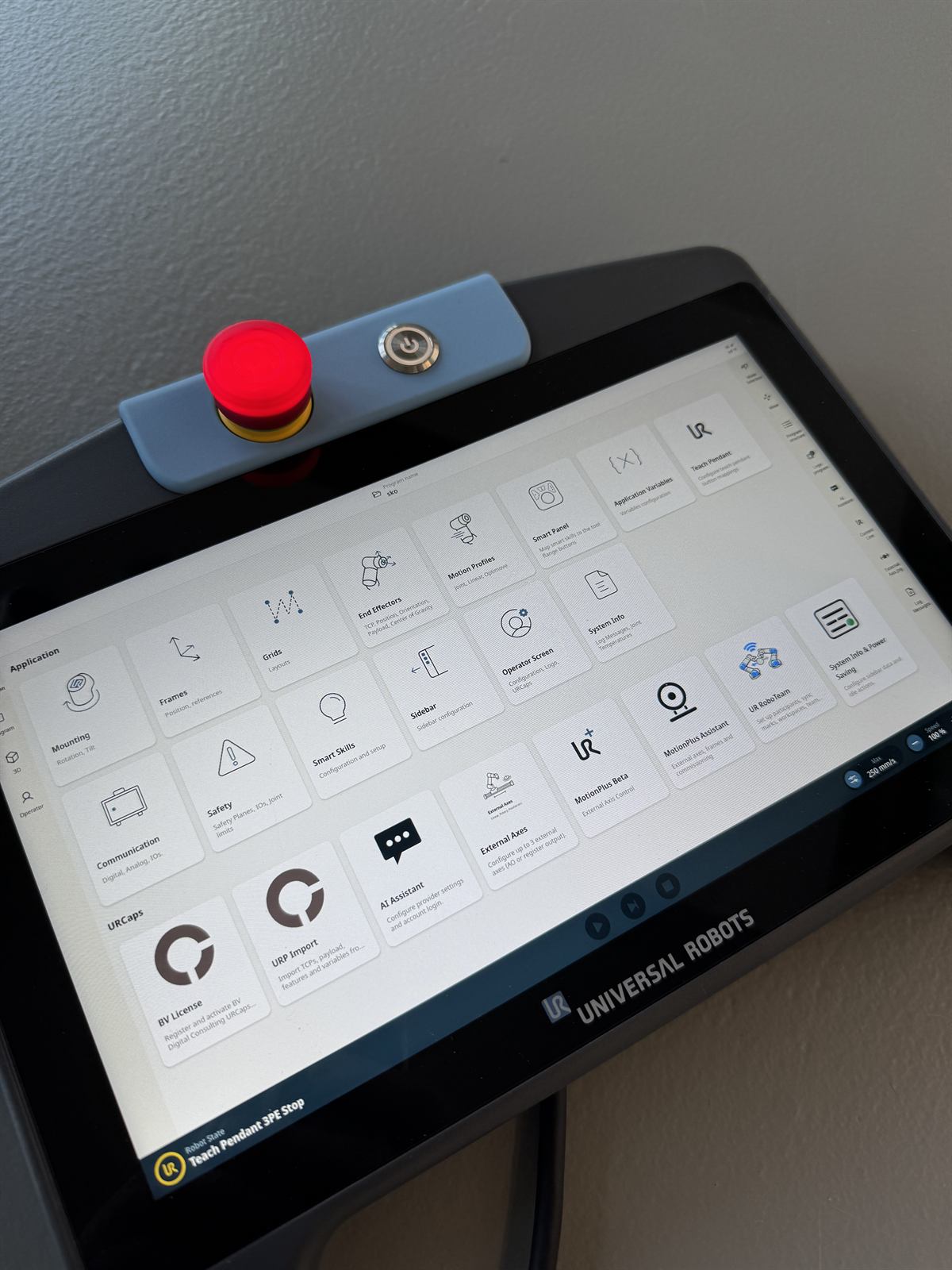
CONTROL & LIMITS
Nothing is hidden
Not every PolyScope 5 node has a direct counterpart in PolyScope X. URP Import X flags those places in the program and lists them in the migration report instead of silently dropping them. Review the imported program like any new program and test it at reduced speed first.
NEXT STEP
Take your PolyScope 5 programs with you
Briefly describe how many programs need to move and which URCaps they use. You will get an assessment of the expected coverage and an offer for URP Import X.